Yup, more tags!

Yup, I got more tags to show off today., lol. I was playing with some of the new tubes that I made for my new subscription tube group and thought I would make a few new tags.

This first tag was created using a tube from my set of “Fashion Cat” tubes. BTW, I just finished removing the background from all the tubes in this set this morning. And this tag will be sent to subscribed members of my tag group in the coming weeks. I really love how this tag turned out. When I was creating the images of the cats I wanted them to wear colorful clothing and threw in some colorful eye glasses to match, lol. Now, doesn’t he look spiffy? I think so.
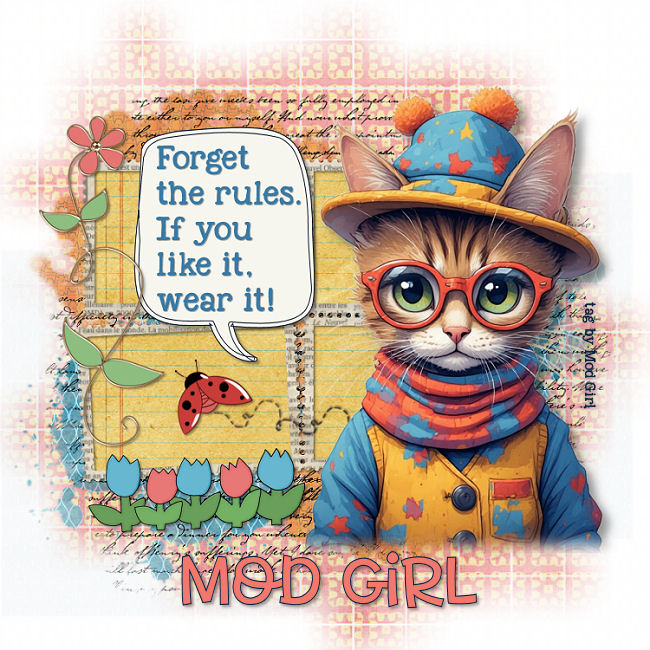
Fashion Cat tag by Mod Girl

And this last tag was created using one of my new tubes called, “Sweater Girl”. The images I made for this set of tubes are of pretty girls wearing Christmas themed sweaters. I think I could have done a better job with the background area of this tag but other than that, I think it turned out okay. Now, I am still working on removing the backgrounds from all these images but as soon as I can, I will share them in my tube group. Anyway, thanks for stopping by and hugs,

Holly Days tag by Mod Girl


2 new tags

Working on some new graphics this morning so I thought I would take a break from doing that to make some new tags. I just got through making 2 new tags and thought I would show them off.

This first tag was created using my tag kit called “Country” and the main image is from my Retro Dog tubes that I made yesterday. I sometimes have a problem with where to add the main image I’m working on, so this time I decided to do a double frame and add the retro dog right in the middle of them. I think it turned out okay and I think that dog came out really cute too, lol.

Retro Dog tag by Mod Girl

This next tag was created using my tag kit called “Imagine”. The main image I used is from my “That Girl” set of graphics that I created yesterday. When making those graphics I went a little crazy and created 2 folders full of them, lol. The first folder has around 125 images and the second folder has much more in it. Well over 200 images in that one, lol. Yeah, I got a little carried away when making those. I think the tag turned out pretty good and you know I realized when I started making this tag that I use the same mask most of the time when making all my tags. Well this time I decided to go outside the box and used many of the papers from my tag kit and created my own colorful looking mask. In all I think it turned out much better than I had expected.

Anyway, thanks for stopping by and hugs,

That Girl tag by Mod Girl

Tag Show Off

Good morning everyone! I hope you have a wonderful day today! So, yesterday and this morning I whipped out a couple of new tags and thought I would show them off. And ALL the main images I used in these 2 tags were created by me using that AI generator I often use. These images will also be added to my paid subscription tube group and the tags will be sent to all members of my tag group.

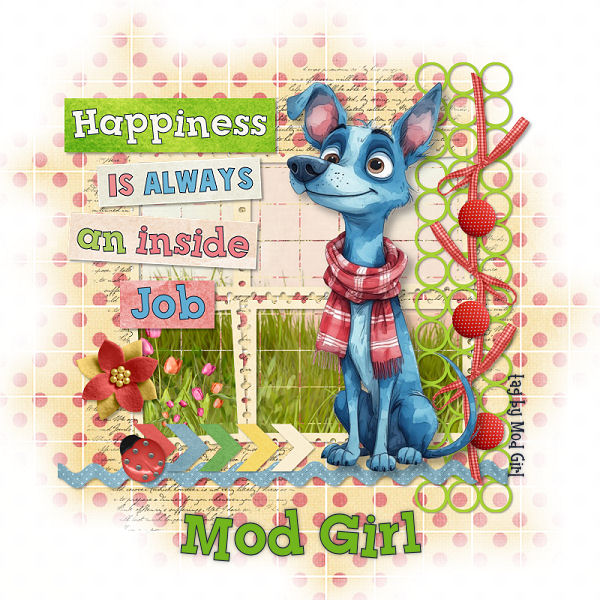
This first tag was created using an image from my blue dog graphics that I created. I removed the background from the image and created a new tag using it along with my tag kit called “Another Day”. I liked how the colors of the kit went well with the blue dog. The quote I added was one that I made pulling the colors from the background tag. In all, I think it turned out pretty good.

Blue Dog tag by Mod Girl

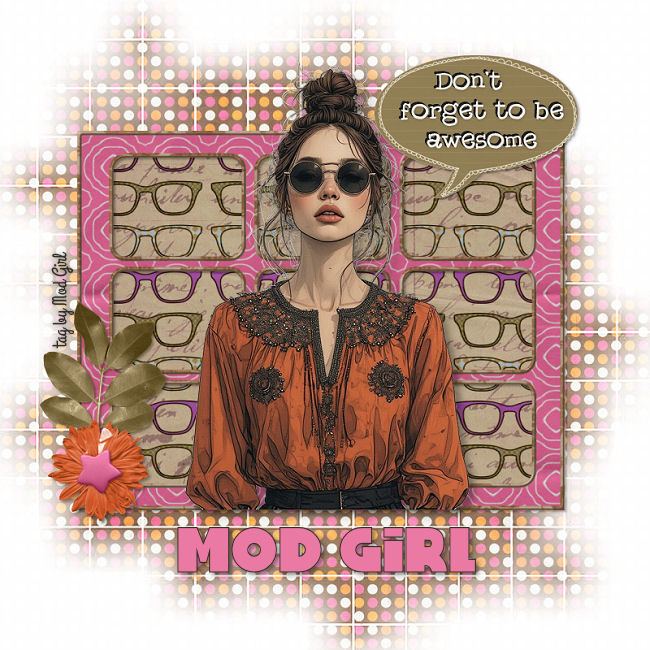
For the next tag I used one of my graphics from my BoHo Girl collection. I removed the background from it and then created a new tag using my tag kit called “Girly Girl”. I had to make some modifications to some of the elements because colors didn’t match completely but I think it turned out well in the end. What do you think?

BoHo Girl tag by Mod Girl

Anyway, I have been using an online background remover tool to remove the background from my graphics. It doesn’t always work out like I planned, so sometimes I have to do the work myself by removing the background. It can be a tedious job because most of my graphics have a complex background added to them. And of course at the time I was making some of the graphics it never occurred to me to tell the AI generator to use a white background when making each graphic, lol. Oh well, you live you learn right?

So, that about does it for today. Thanks for stopping by and hugs, Mod Girl.