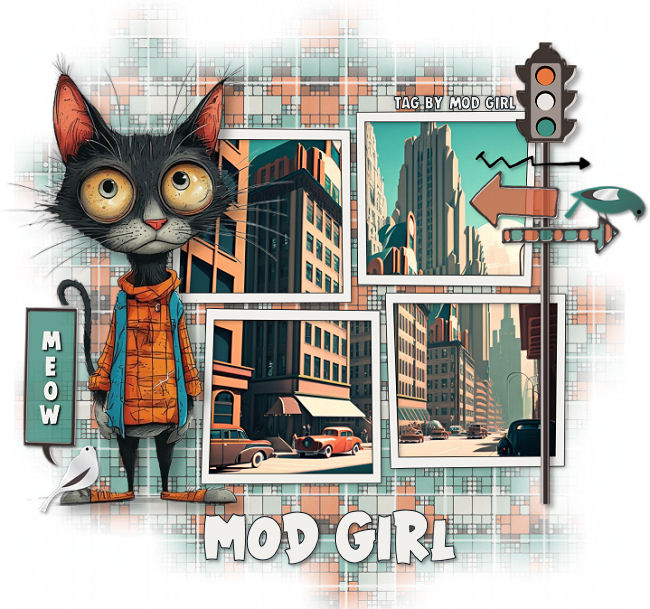
When creating graphics using the AI generator I have noticed that some images don’t always turn out like you planned. But sometimes you can fix the images by either removing the parts that you don’t like or switching things around on the graphic. Which brings me to one of the new tags I just finished making. The kitty that I used for the tag below was created with it’s tail not attached, lol. It was just floating behind him so I removed parts of the tail and copy and pasted the part I wanted to another layer and moved that layer to the bottom. It turned out okay and now the kitty’s tail is where it should be and intact too, lol.
When making this tag I also used my tagger kit; “Metro” which matched perfectly with the colors of the kitty. I really like how this tag turned out and in the future I will probably have to alter more graphics but I don’t think that will a problem.
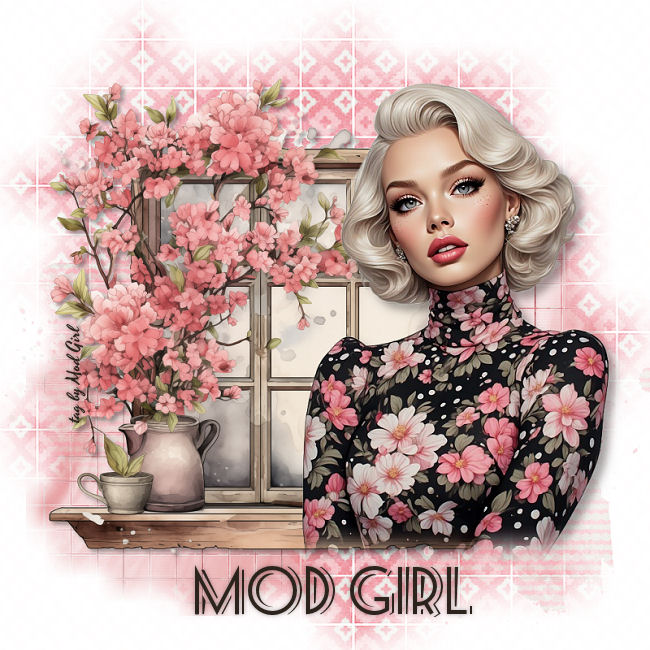
And this last tag was created using an image from my Pink Fashion Lady graphics. The background images I used for the layer masks are from my tagger kit; “Be Mine” and the window graphic is from that graphic site where I have a paid subscription. I really love how this tag came out even though it doesn’t have a lot of stuff added to it.
Anyway, thanks for stopping by and hugs,