2 New Tags

When creating graphics using the AI generator I have noticed that some images don’t always turn out like you planned. But sometimes you can fix the images by either removing the parts that you don’t like or switching things around on the graphic. Which brings me to one of the new tags I just finished making. The kitty that I used for the tag below was created with it’s tail not attached, lol. It was just floating behind him so I removed parts of the tail and copy and pasted the part I wanted to another layer and moved that layer to the bottom. It turned out okay and now the kitty’s tail is where it should be and intact too, lol.

When making this tag I also used my tagger kit; “Metro” which matched perfectly with the colors of the kitty. I really like how this tag turned out and in the future I will probably have to alter more graphics  but I don’t think that will a problem.
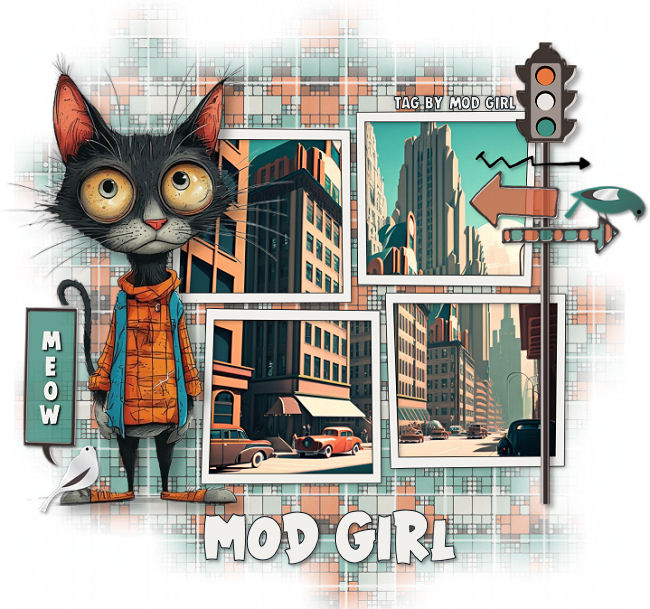
City Kitty tag by Mod Girl

And this last tag was created using an image from my Pink Fashion Lady graphics. The background images I used for the layer masks are from my tagger kit; “Be Mine” and the window graphic is from that graphic site where I have a paid subscription. I really love how this tag came out even though it doesn’t have a lot of stuff added to it.

Anyway, thanks for stopping by and hugs,
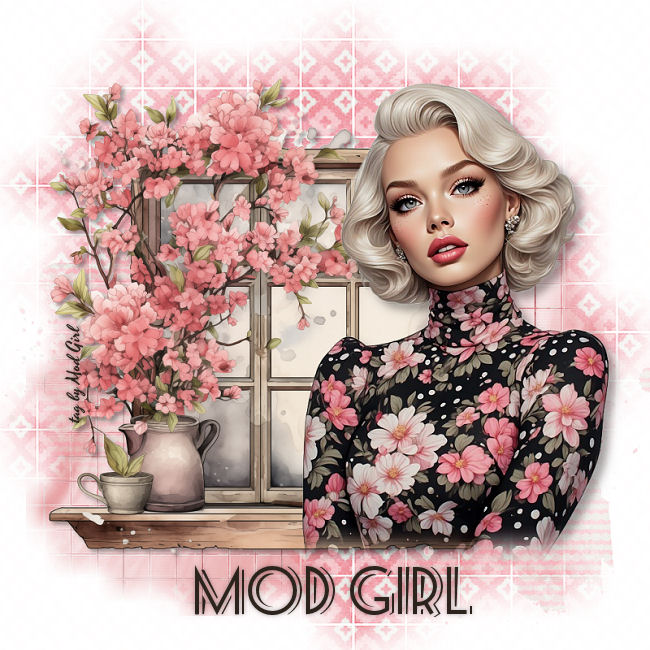
Pink Fashion tag by Mod Girl

And More Tags

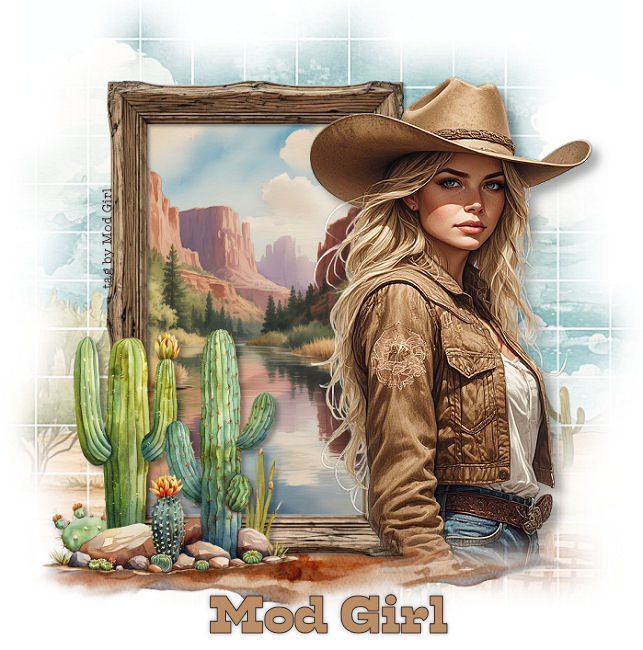
I have 3 more tags to show off today. I had a lot of fun creating these tags and it’s good to be able to find new ways to make tags using all the graphics I am currently working on. This first tag was created using an image from my Cowgirl graphics. The girl and the frame were created by me and the other parts of the tag are from that subscription site I keep telling you about.

Cowgirl tag by Mod Girl

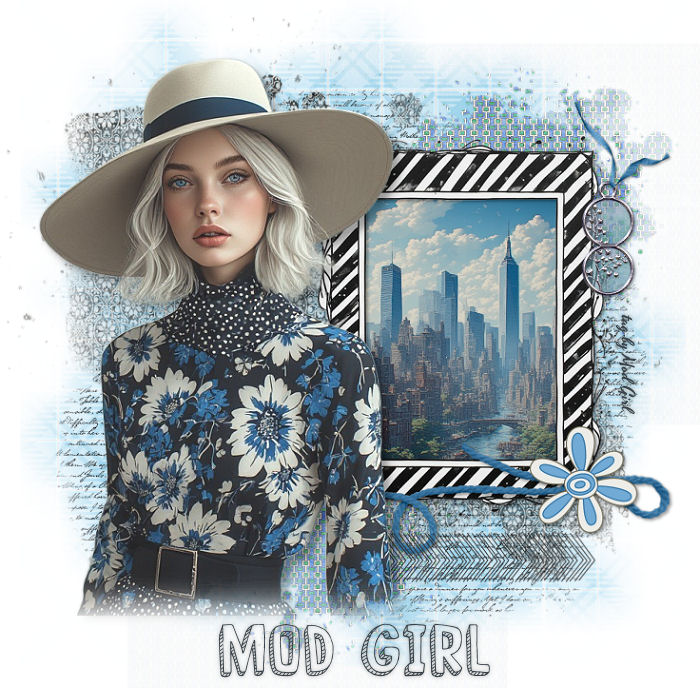
This next tag was created using an image from my Blue fashion girls. I really like how this tag turned out and all the images on this tag were created by me.

Blue Fashion tag by Mod Girl

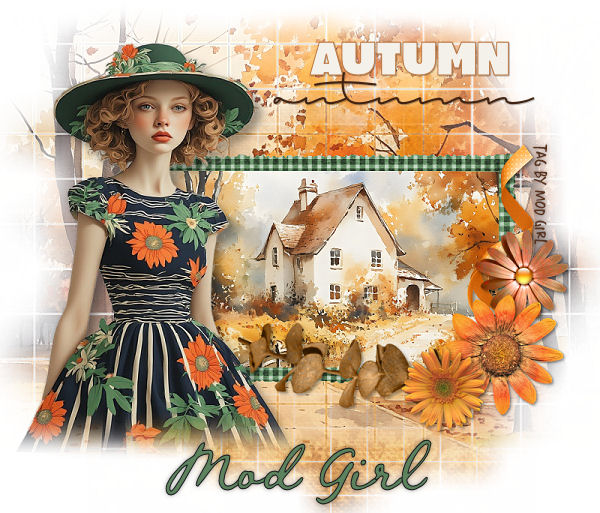
And finally this last tag was created using one the images from my Fashion girls graphics. The girl, frame and elements are all mine and the background images are from the subscription site. Thanks for stopping by and hugs,

Autumn tag by Mod Girl

Brand New Tag

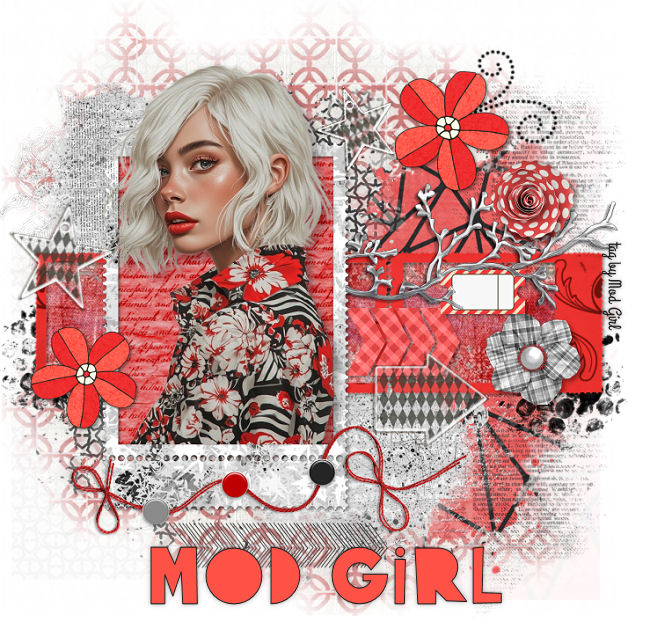
I woke up this morning and one of the first things I did was to sit down and make some more graphics. Since I love fashion I thought I would create some new fashion ladies in different colors of clothing. So far I have created one in Yellow (yesterday) and this morning I created one in the color of red. The thing I like most about this tag is the color and the papers and the elements I used are all from my tagger kits. I used elements and papers from 2 of my tag kits; “Fashionable” and “Bad Cherry” and I am very happy with how it turned out.

Oh, and before I forget, I wanted to remind everyone that I have reopened my tag group to the public and also sent some invites to members. You might want to check your email and while you are there, you might also want to check your spam folder too. I know for a fact that some emails go into your spam folder by mistake. It’s just one of those things that happen sometimes and nothing to worry about. But, to stop it from happening again just click “Not Spam” while in your email program and that should fix it for you.

Thanks for stopping by and hugs,

Red Fashion tag by Mod Girl